01 / SCREEN CAPTURE
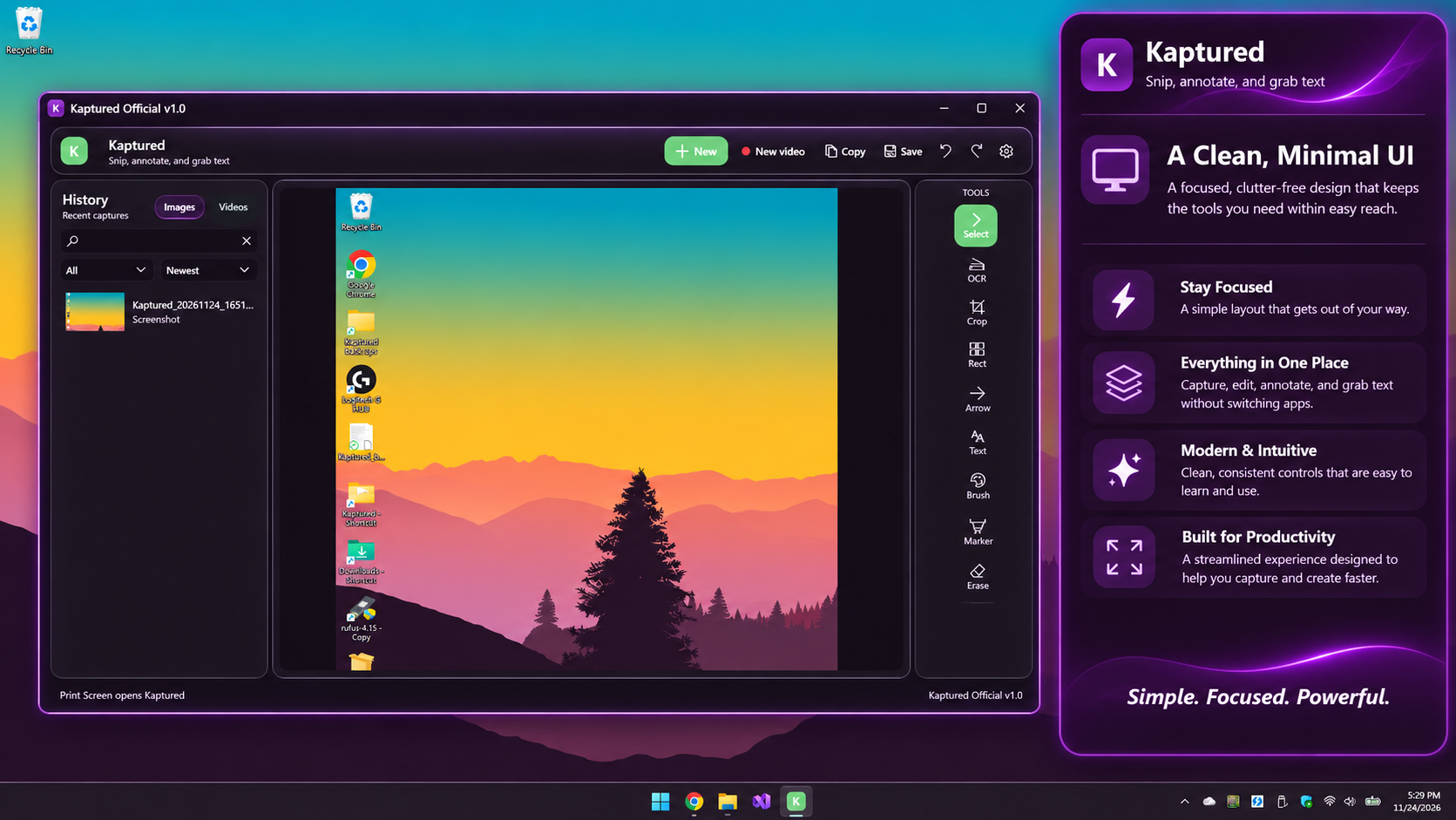
A clean, minimal UI.
A focused, clutter-free design that keeps the tools you need within easy reach. Capture, annotate, and manage your work without unnecessary distractions.
Screenshots, screen recordings, editing, and OCR. Everything you need to capture and create, without getting in your way.
Powerful tools, thoughtfully brought together. Spend less time wrestling with software and more time getting things done.
A focused, clutter-free design that keeps the tools you need within easy reach. Capture, annotate, and manage your work without unnecessary distractions.
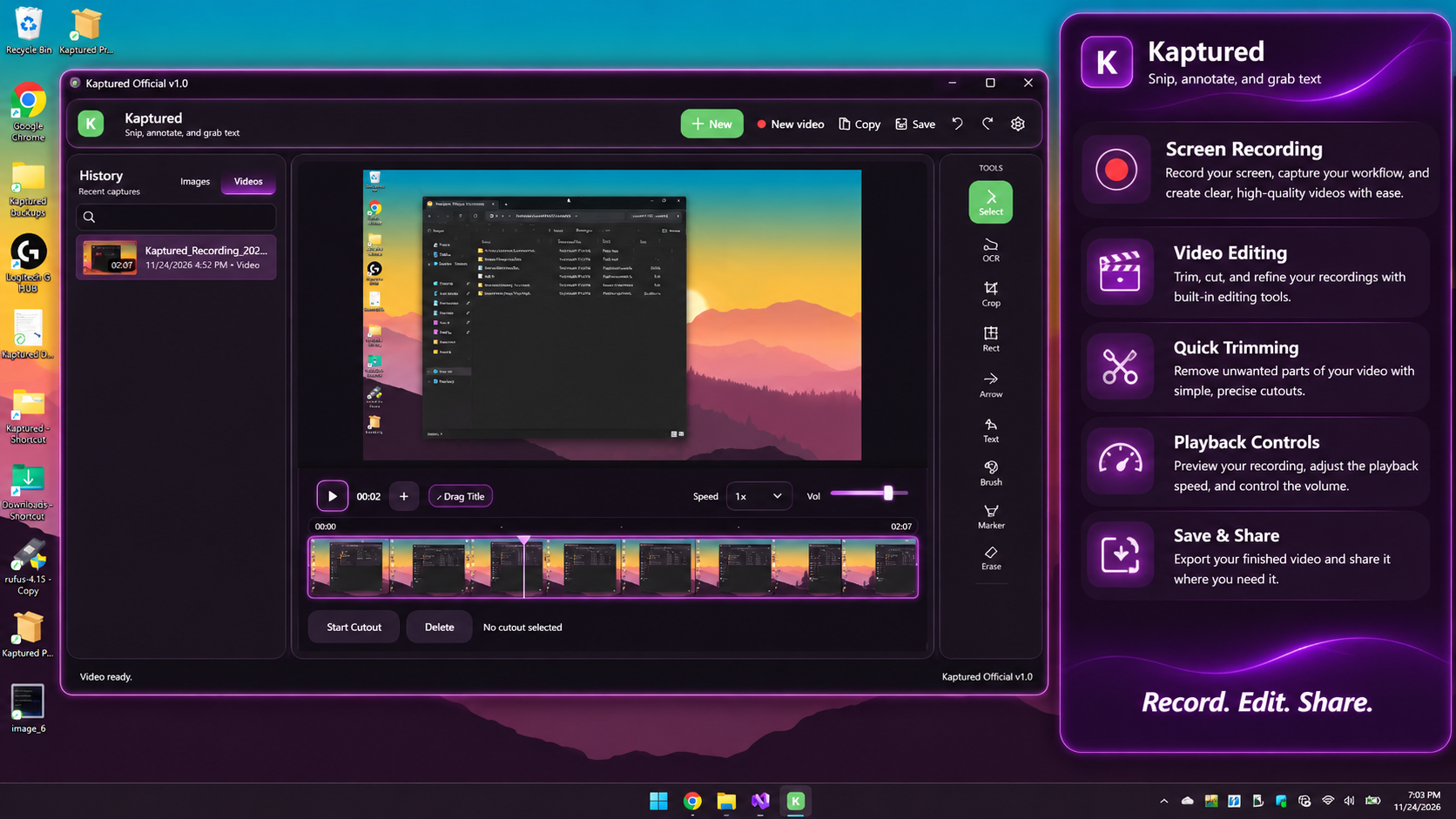
Capture your screen and bring your recordings into a built-in editor. Trim unwanted footage, preview your work, and export your video without jumping between applications.
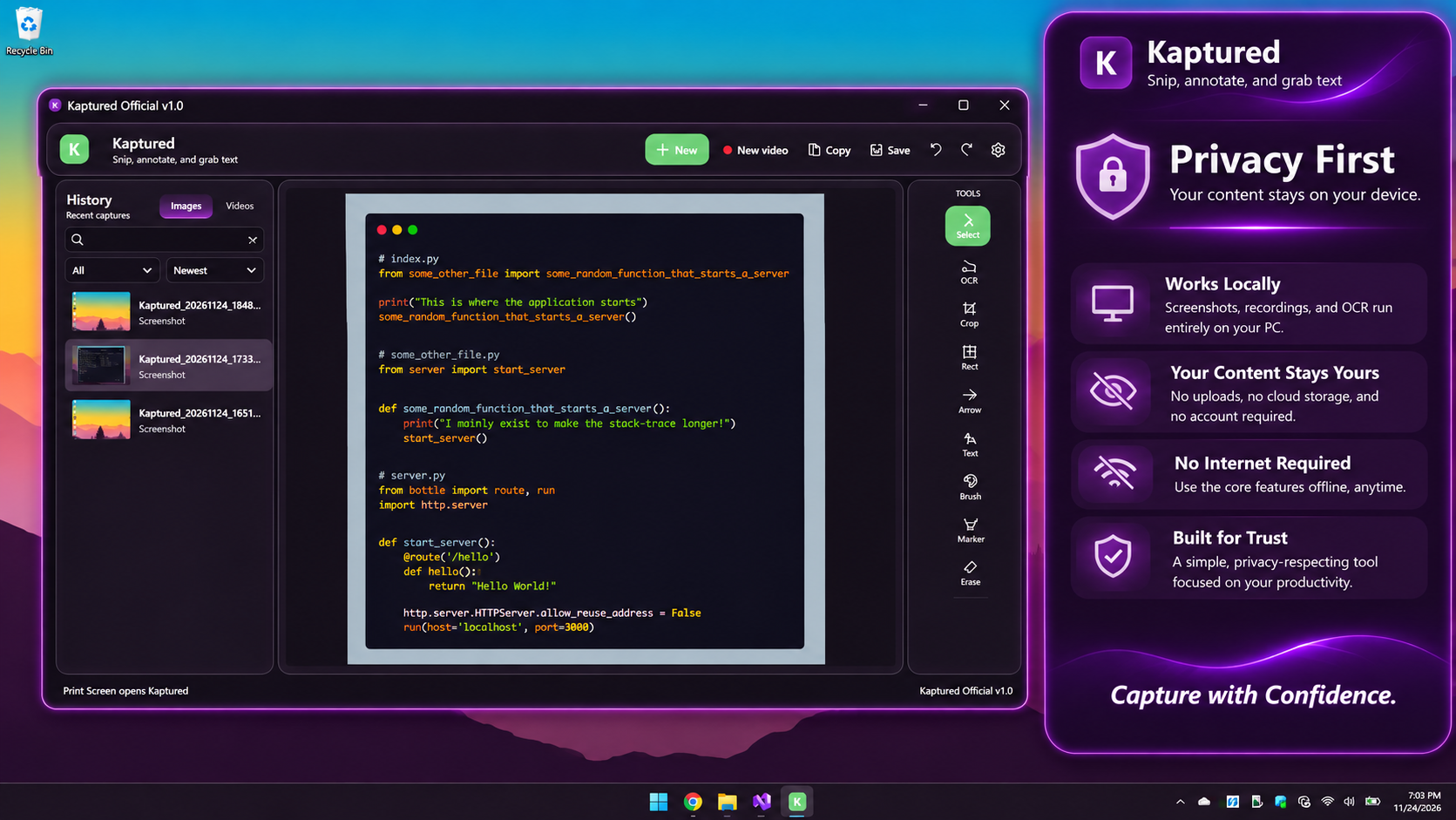
Screenshots, recordings, and text recognition work locally. No cloud uploads, no account requirement, and no internet connection required for core capture functionality.
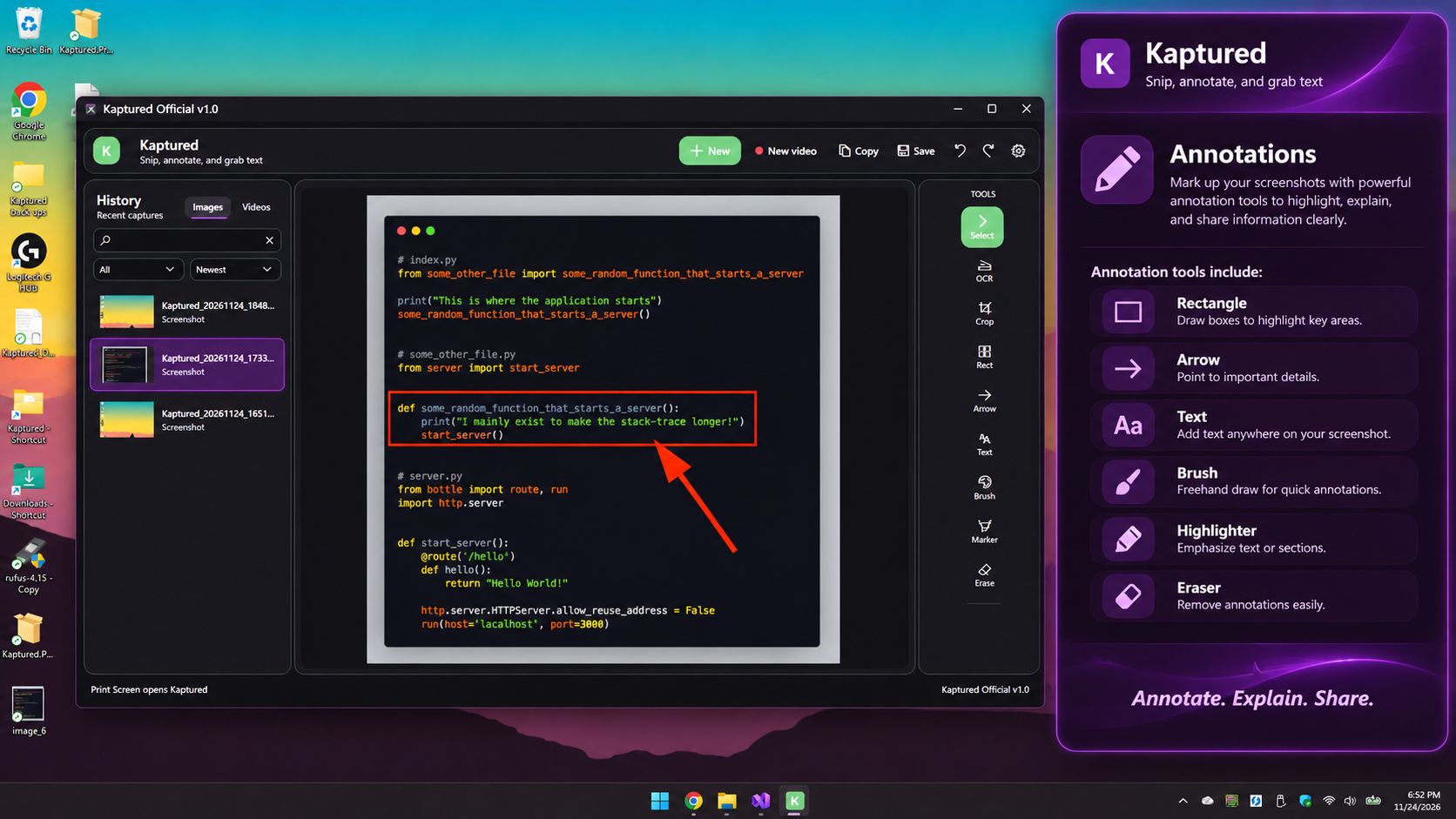
Highlight what matters. Add arrows, text, shapes, freehand drawings, and more to communicate clearly and bring attention to the details that matter.
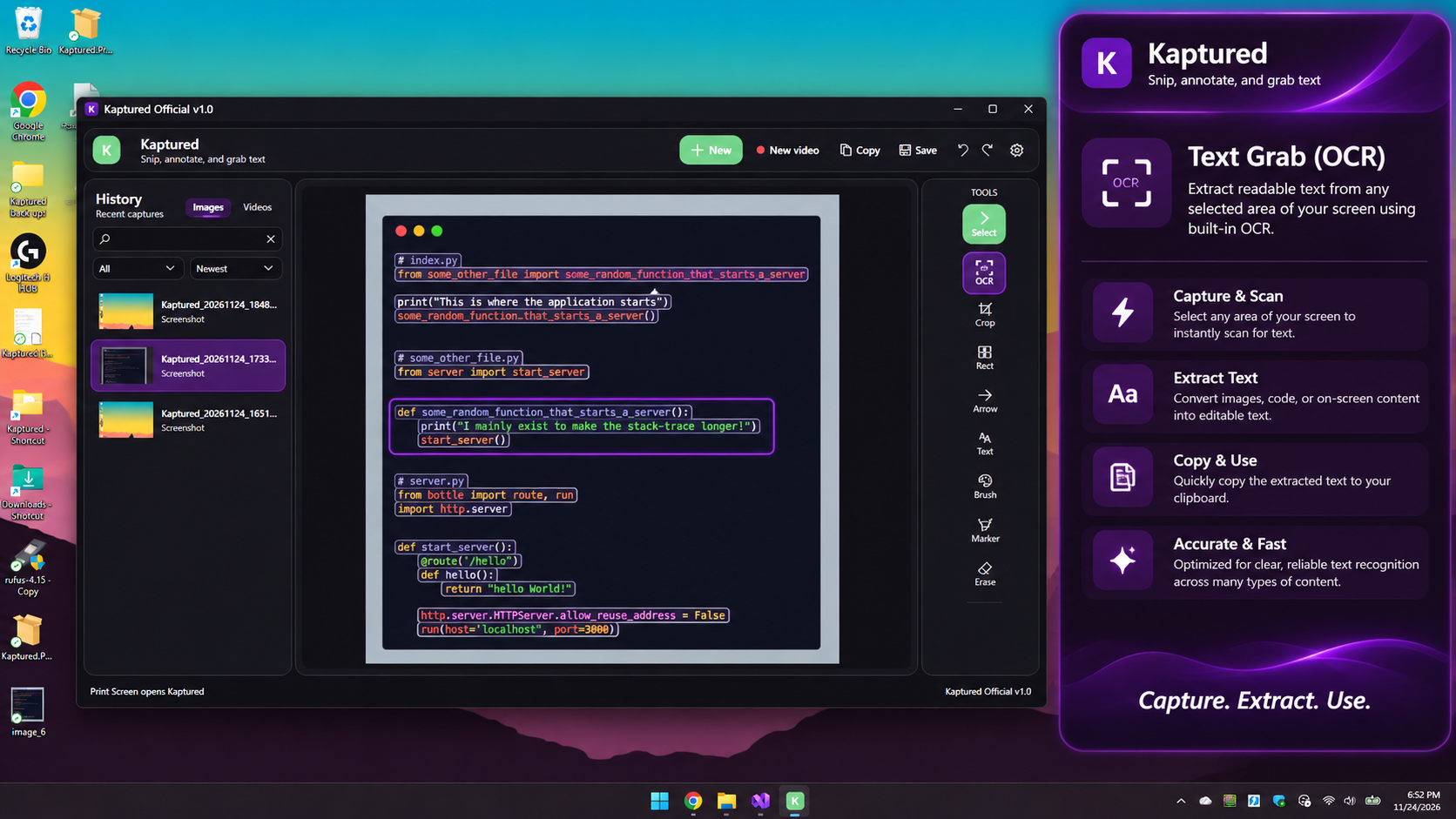
Extract readable text directly from your screen. Capture text from images, code, documents, and other on-screen content, then copy and use it wherever you need.
A few things worth knowing before you get started.
Kaptured is a Windows capture tool that brings screenshots, screen recording, annotation, video editing, and text extraction into one streamlined application.
Kaptured is designed to be free to use, with optional ways to support its continued development.
Kaptured is designed around local processing. Your screenshots, recordings, and OCR work stay on your device rather than being uploaded to cloud storage.
Core capture, recording, annotation, editing, and text recognition functionality are designed to work locally without requiring an internet connection.
Yes. Kaptured includes built-in video editing tools that let you preview, trim, and refine recordings before exporting them.
Text Grab uses built-in OCR technology to recognize text within selected areas of your screen, allowing you to extract and copy text without manually typing it.
Kaptured is available through the Microsoft Store. Download it directly from the official Store listing.
Get Kaptured ↗Kaptured was built around a simple idea: everyday tools shouldn't feel complicated. From quick screenshots to full recordings and text extraction, everything is designed to feel natural.
Experience a simpler way to capture, record, edit, and discover.
Download Kaptured ↓